Basics
Python. All
xyzrenderflags below map 1:1 to keyword arguments onrender()(--config flat→config="flat",--hy→hy=True,--vdw "1-6"→vdw=[1, 2, 3, 4, 5, 6]orvdw="1-6"). Most snippets on this page are CLI; equivalent Python is shown where the call shape adds something (lists for selections, kwargs for DoF/glow strength). See the Python API guide.
Presets
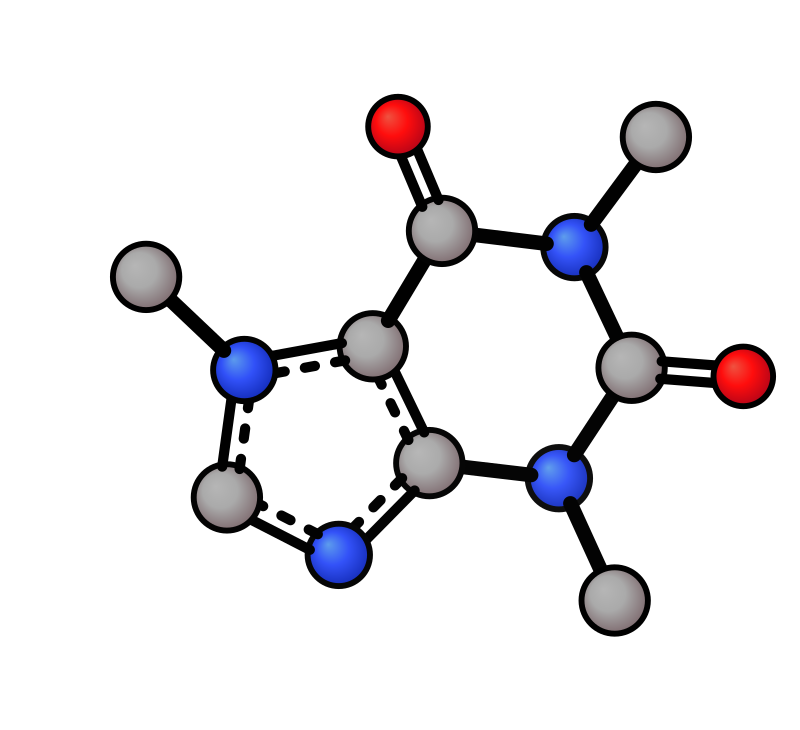
Default |
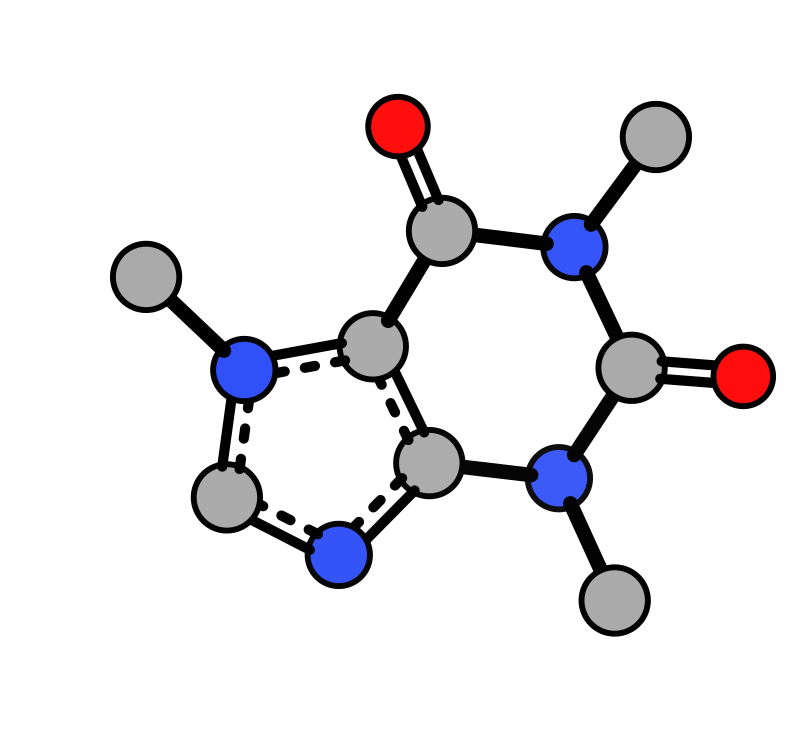
Flat |
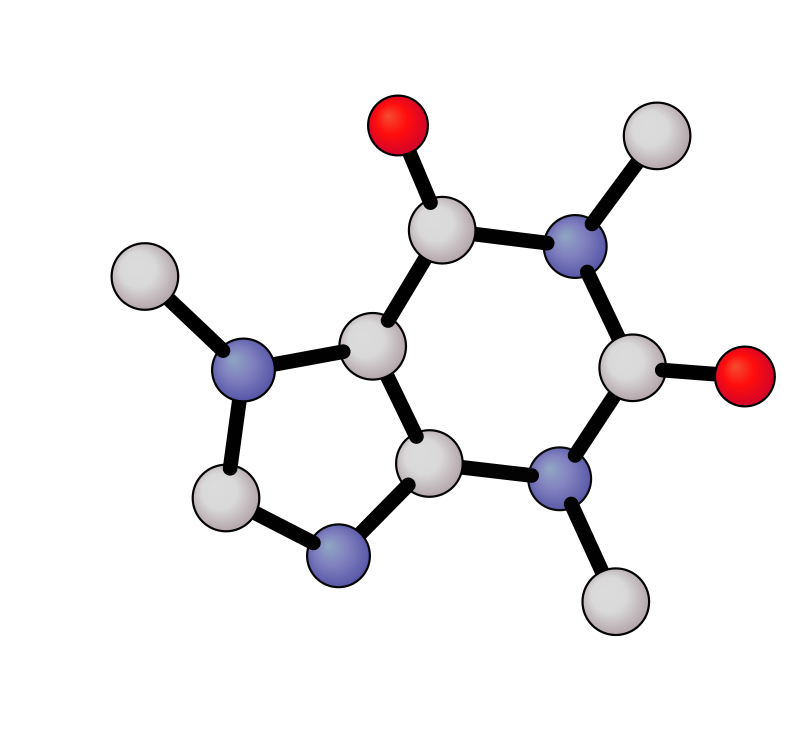
Paton (PyMOL-like) |
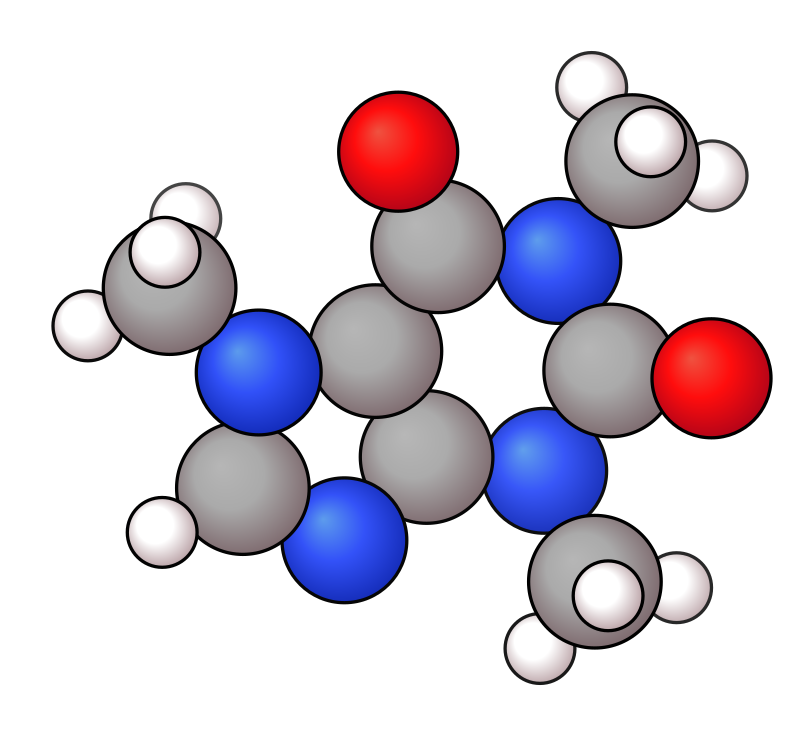
Bubble |
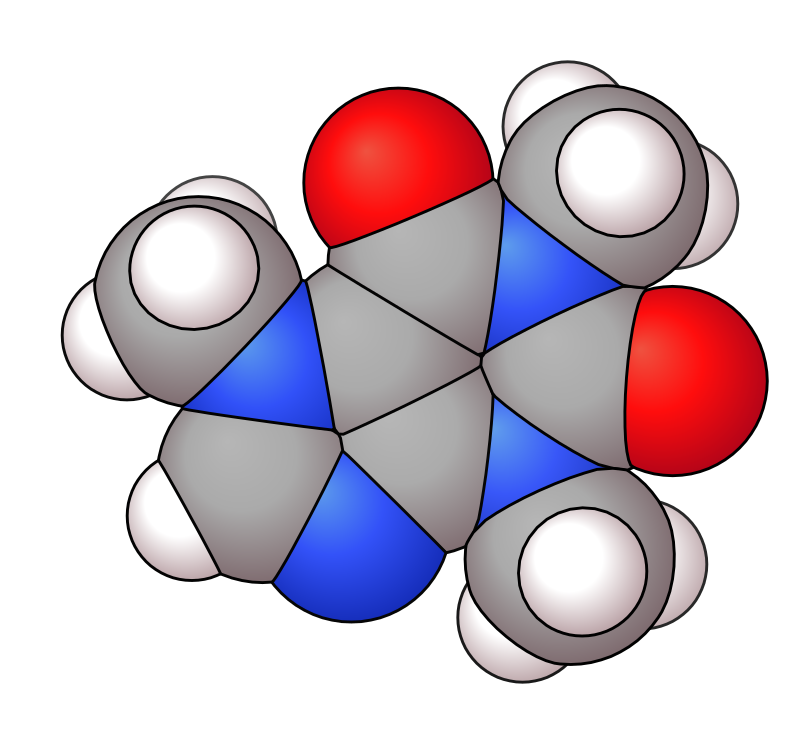
vdW |
|---|---|---|---|---|
|
|
|
|
|
Tube |
Wire |
Pmol |
MTube |
BTube |
|---|---|---|---|---|
|
|
|
|
|
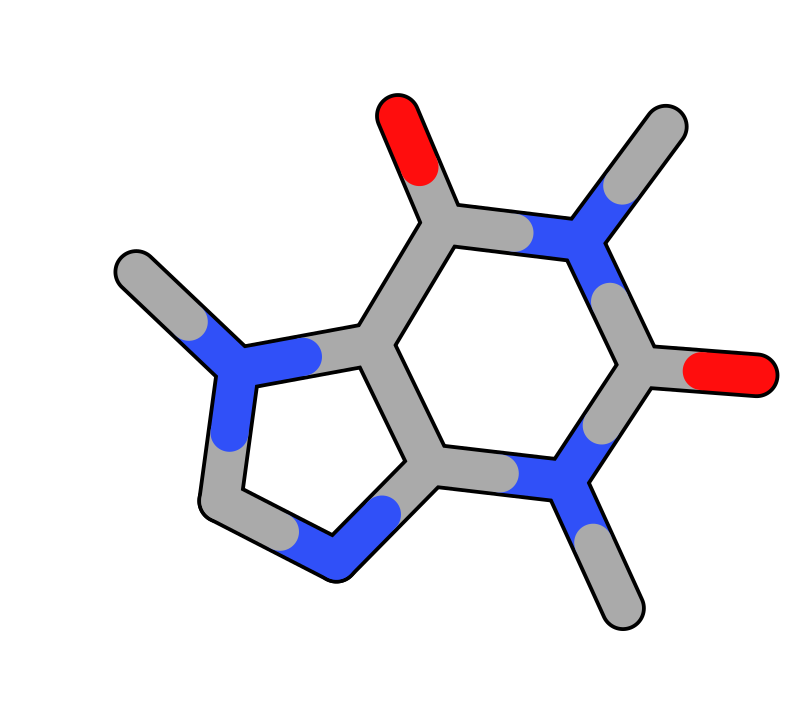
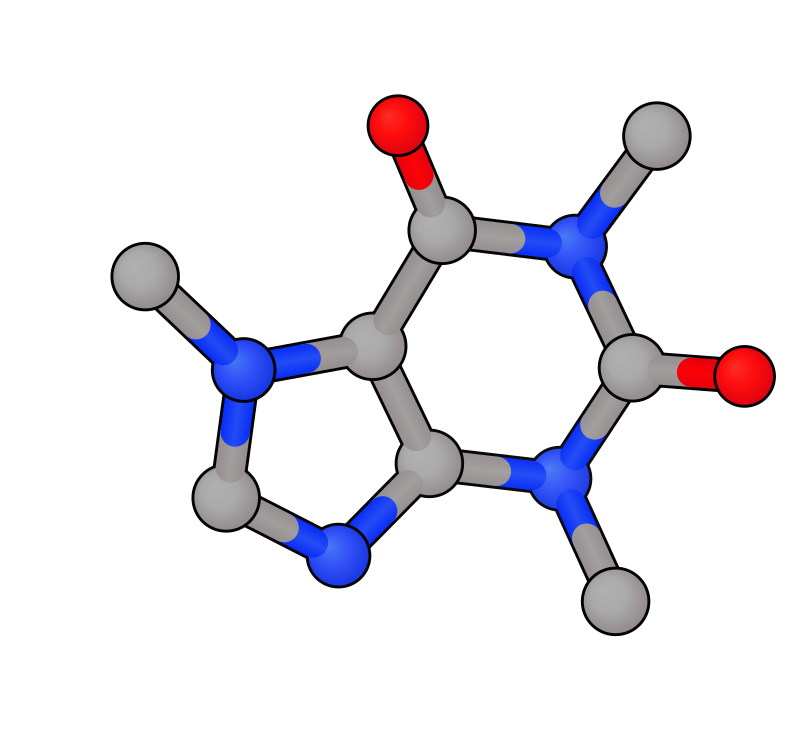
xyzrender caffeine.xyz                        # default
xyzrender caffeine.xyz --config flat          # flat: no gradient
xyzrender caffeine.xyz --config paton         # paton: PyMOL-style
xyzrender caffeine.xyz --config pmol          # pmol: ball-and-stick + element-coloured bonds (PyMOL-inspired)
xyzrender caffeine.xyz --config bubble --hy   # space-filling-like
xyzrender caffeine.xyz --config vdw           # vdw: true space-filling, interlocked silhouettes
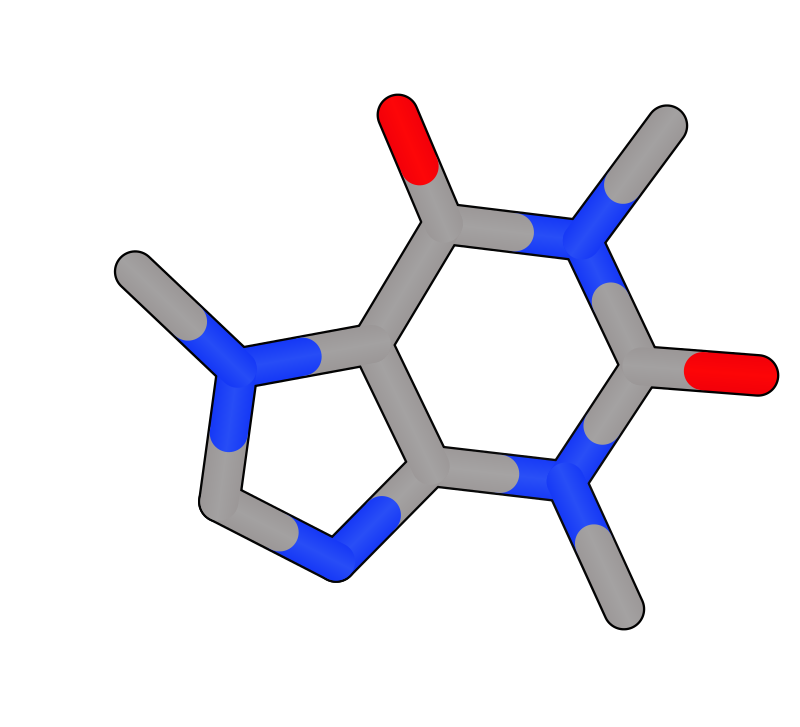
xyzrender caffeine.xyz --config tube          # tube: cylinder-shaded sticks
xyzrender caffeine.xyz --config mtube         # mtube: metal tube with edge stroke
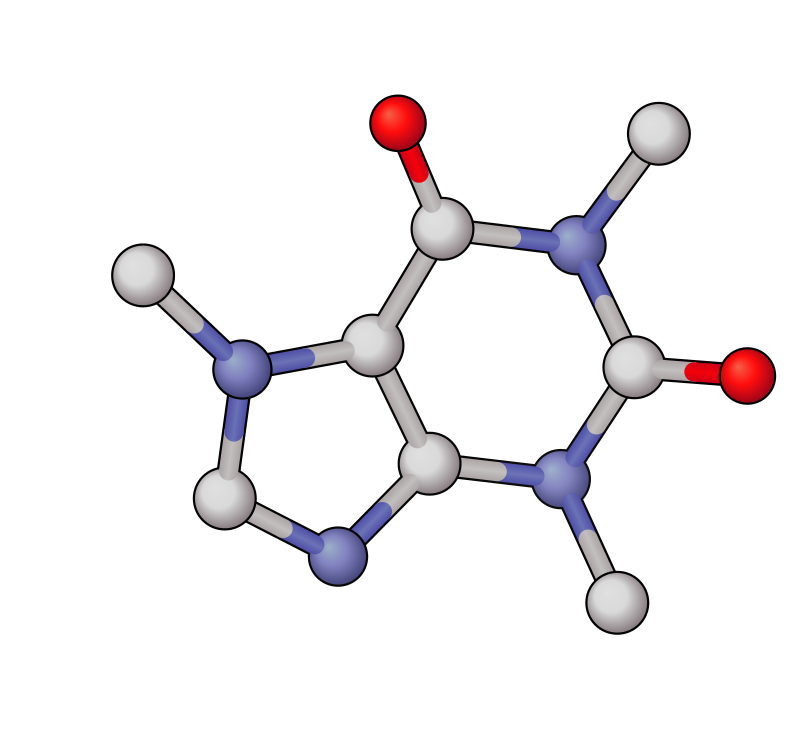
xyzrender caffeine.xyz --config btube         # btube: ball-and-tube with element-coloured bonds
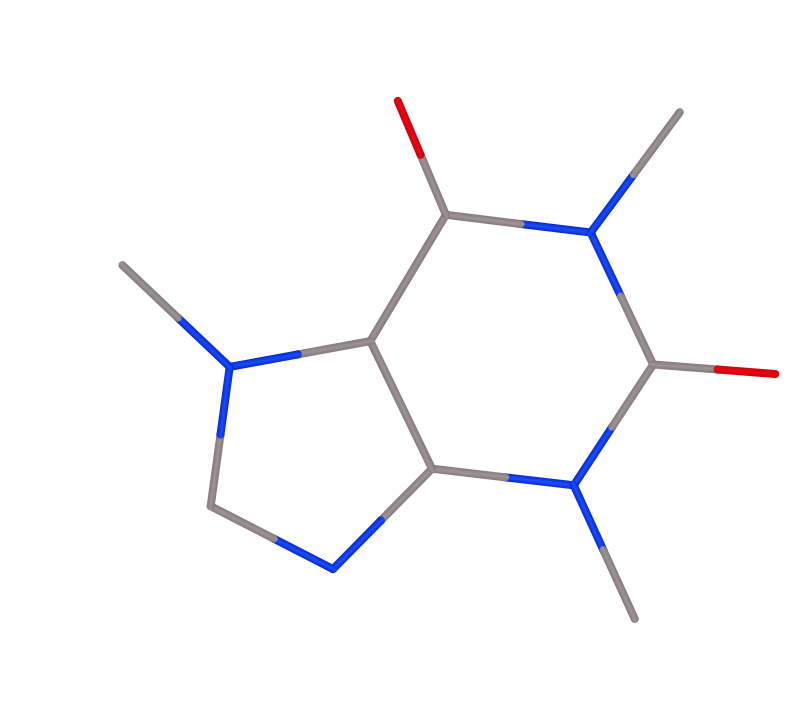
xyzrender caffeine.xyz --config wire          # wire: thin element-coloured lines
The paton style is inspired by the clean styling used by Rob Paton through PyMOL.
The pmol preset is a PyMOL-inspired style that keeps atoms visible and adds split element-coloured bonds with cylinder shading.
The tube and wire presets hide atom circles and colour each bond by its endpoint atoms, with a cylinder shading gradient for a 3D look. The tube preset uses thick bonds; wire uses thin bonds.
Metal tube
The mtube preset is designed for metal complexes: non-metals render as tube-only, while metals are highlighted via a preset-defined region. Combines well with --unbond pi to remove pi-coordination clutter.
Caffeine (mtube) |
mtube + |
|---|---|
|
|
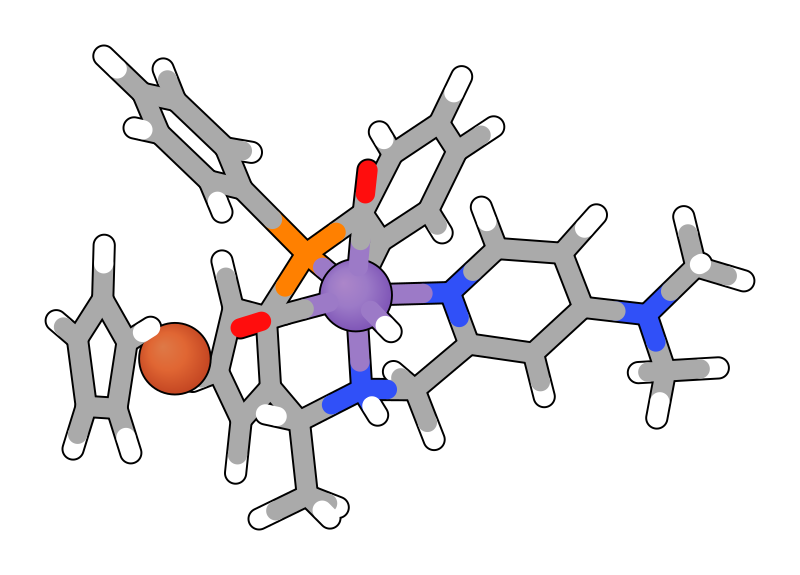
xyzrender caffeine.xyz --config mtube
xyzrender mnh.xyz --config mtube --unbond pi --hy
Haptic centroid bonds
Replace the individual metal-ring bonds with a single dotted bond from the metal to the ring centroid.
Default |
Haptic |
|---|---|
|
|
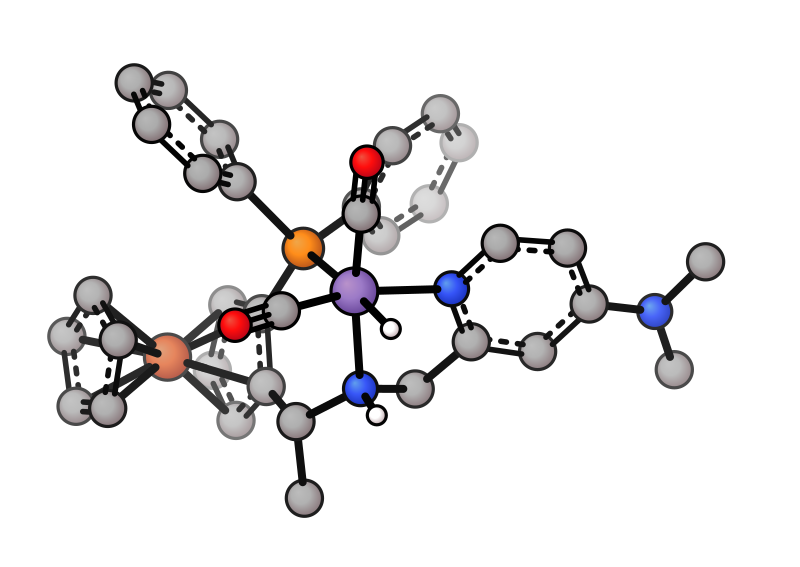
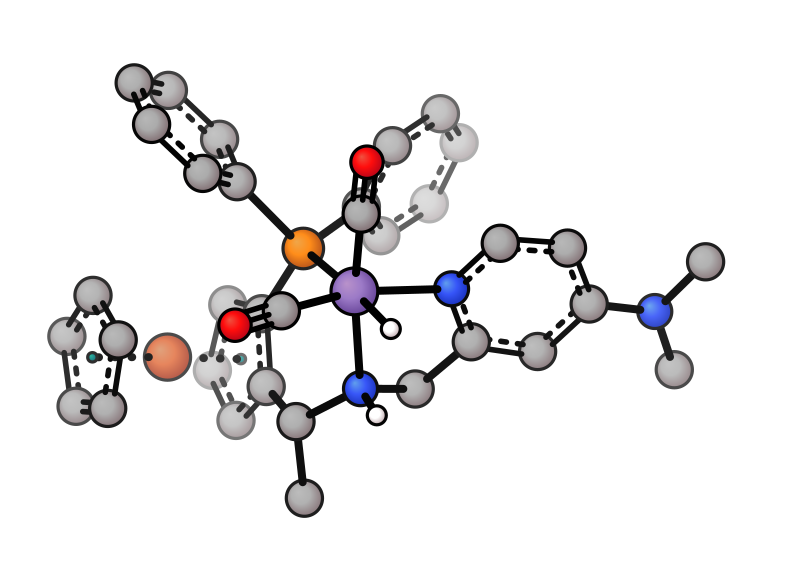
xyzrender mnh.xyz --haptic
Hydrogen display
All H |
Some H |
No H |
|---|---|---|
|
|
|
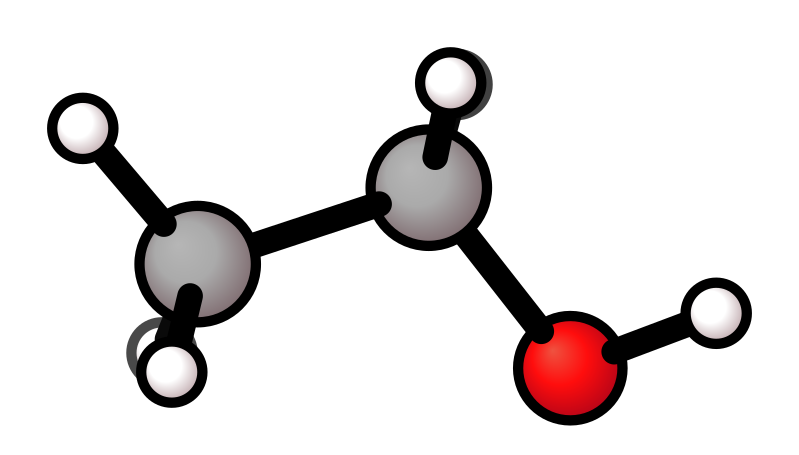
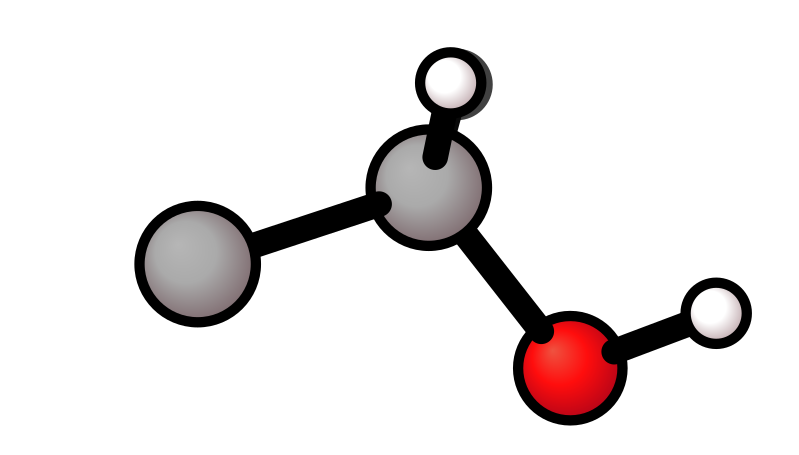
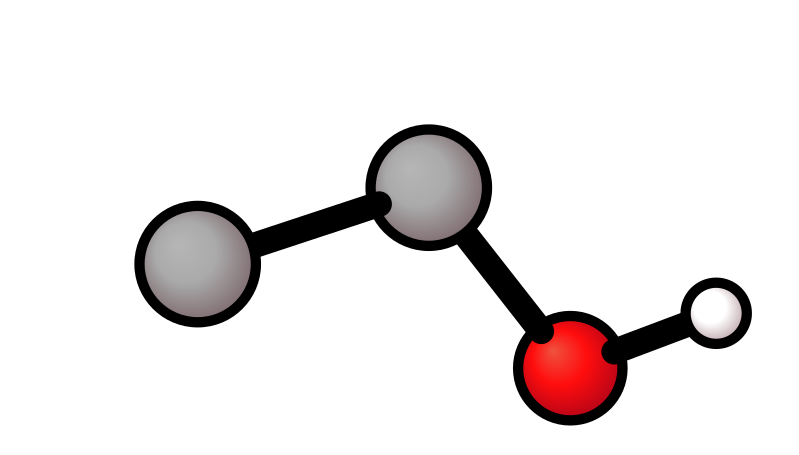
xyzrender ethanol.xyz --hy              # all H
xyzrender ethanol.xyz --hy 7 8 9        # specific H atoms (1-indexed)
xyzrender ethanol.xyz --no-hy           # no H
Bond orders
Aromatic |
Kekulé |
|---|---|
|
|
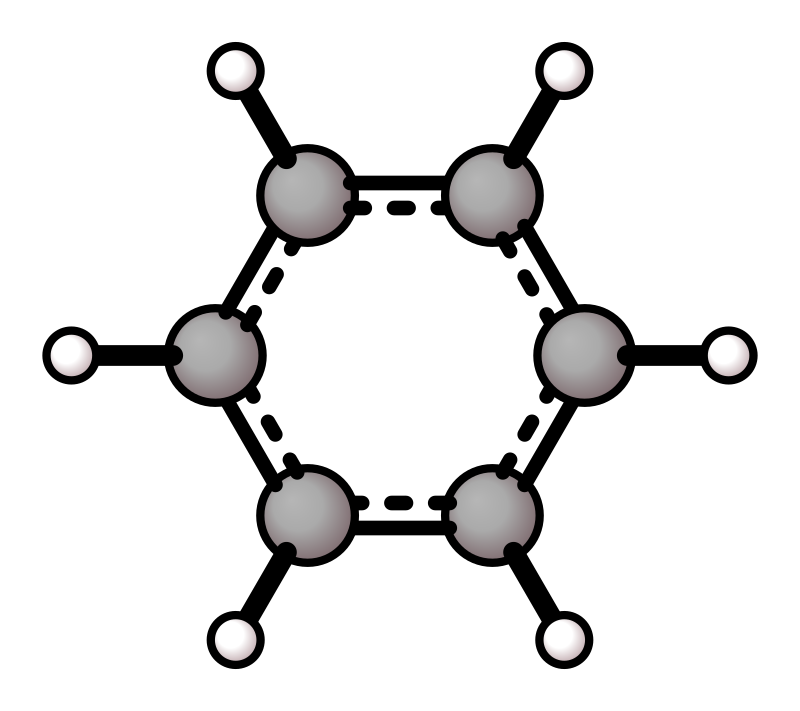
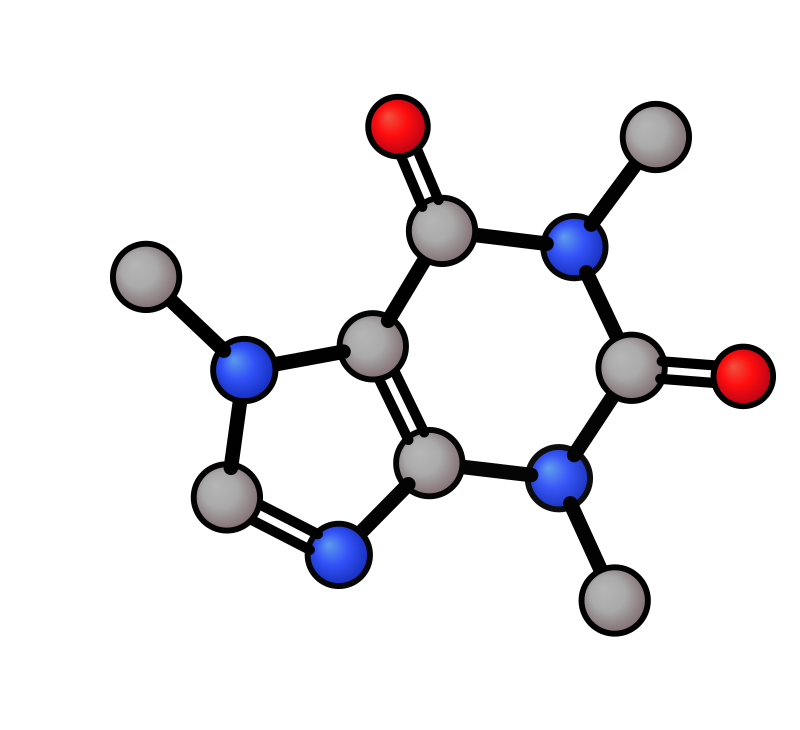
xyzrender benzene.xyz --hy              # aromatic notation (default)
xyzrender caffeine.xyz --bo -k          # Kekulé bond orders
vdW spheres
All atoms |
Selected atoms |
Paton style |
|---|---|---|
|
|
|
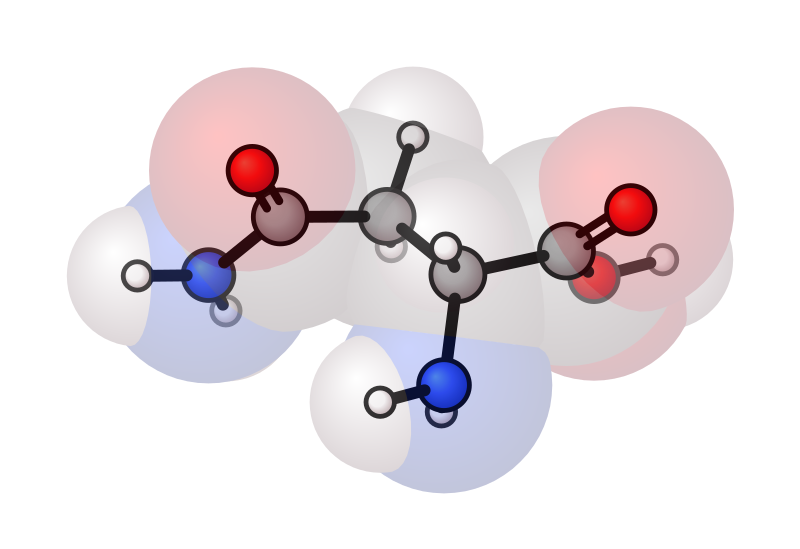
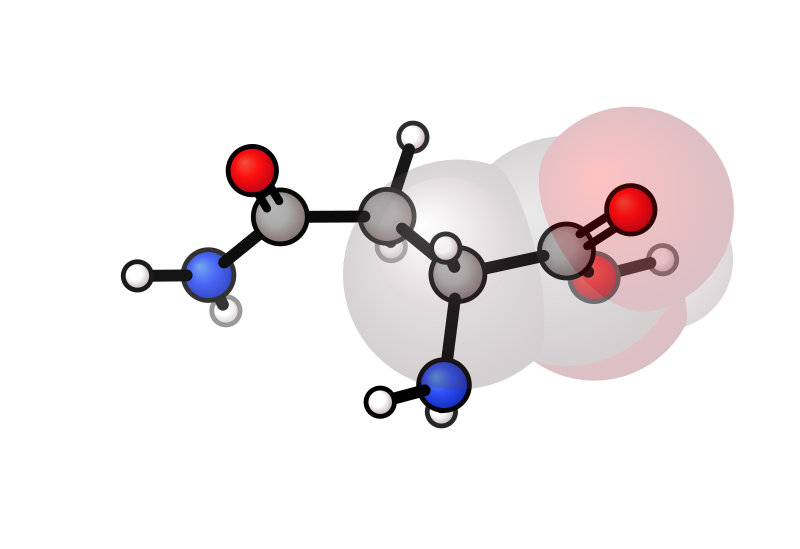
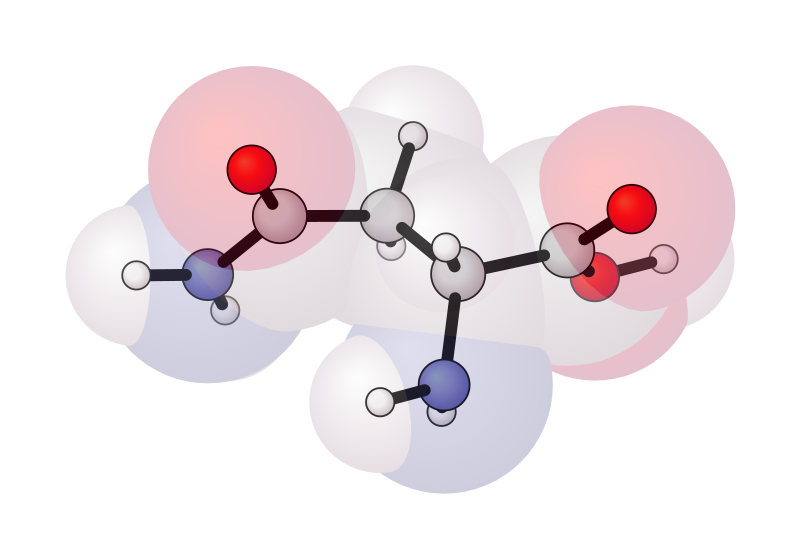
xyzrender asparagine.xyz --hy --vdw                   # all atoms
xyzrender asparagine.xyz --hy --vdw "1-6"             # atoms 1–6 only
xyzrender asparagine.xyz --hy --vdw --config paton    # paton style
Interlocked spheres
By default the --vdw overlay draws each sphere as an interlocked silhouette: where neighbouring spheres overlap, the cut between them is sampled along the actual 3D intersection circle and shared between both polygons. Turn it off with --no-vdw-interlocking to fall back to plain <circle> elements.
The visibility-filter + convex-hull silhouette approach is adapted from CineMol by David Meijer.
D. Meijer, M.H. Medema and J.J.J. van der Hooft, J. Cheminform., 2024, 16, 58 (DOI).
The interlocking path also drives the dedicated space-filling preset:
xyzrender caffeine.xyz --config vdw           # space-filling render
xyzrender caffeine.xyz --config bubble --hy   # large atoms, no interlocking
--config vdw enables atom_interlocking for the primary atom layer (atoms sized at vdW radii, drawn as interlocked silhouettes — no separate overlay needed). The bubble preset leaves it off: bubble atoms overlap only slightly, so interlocking would trigger, but at the cost of inflating the size of the SVG, with little visual change. The threshold of vdw_interlock_samples and the min_clip_fraction cutoff trade off file size against the smoothness of the cut; the defaults skip the polygon path whenever the visible cut is too small to distinguish from a plain circle.
Outline on the --vdw overlay is independent of the primary atoms:
xyzrender mof.xyz --vdw --vdw-outline-width 3 --vdw-outline-color black
xyzrender mof.xyz --vdw --vdw-outline-width 0   # no outline
--vdw-outline-width / --vdw-outline-color fall back to --atom-stroke-width / --atom-stroke-color when unset, so they only diverge when you set them explicitly.
Depth of field
Blur back atoms while keeping front atoms sharp. Uses SVG feGaussianBlur filters.
DoF |
Rotation |
|---|---|
|
|
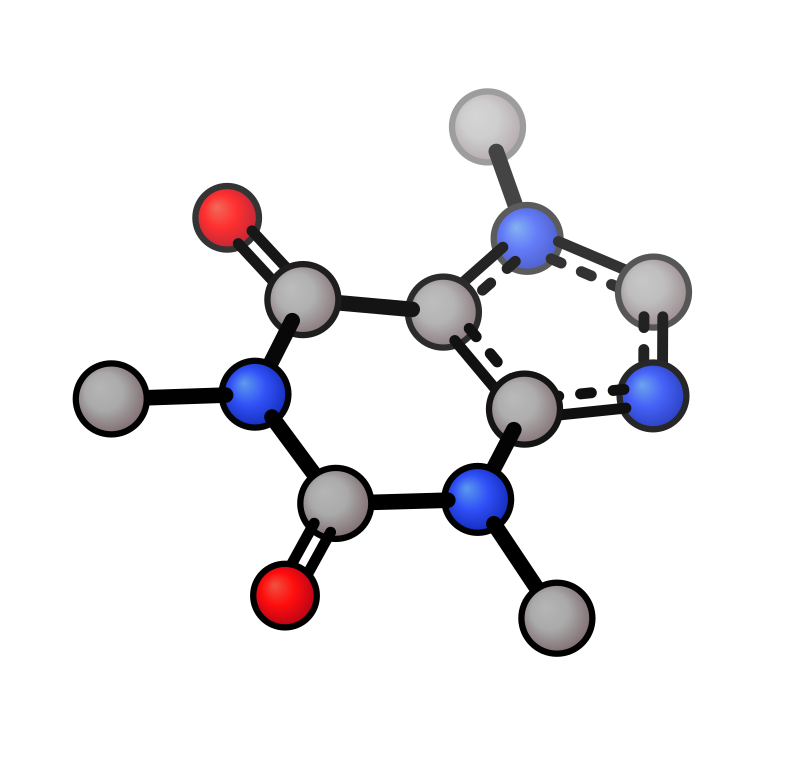
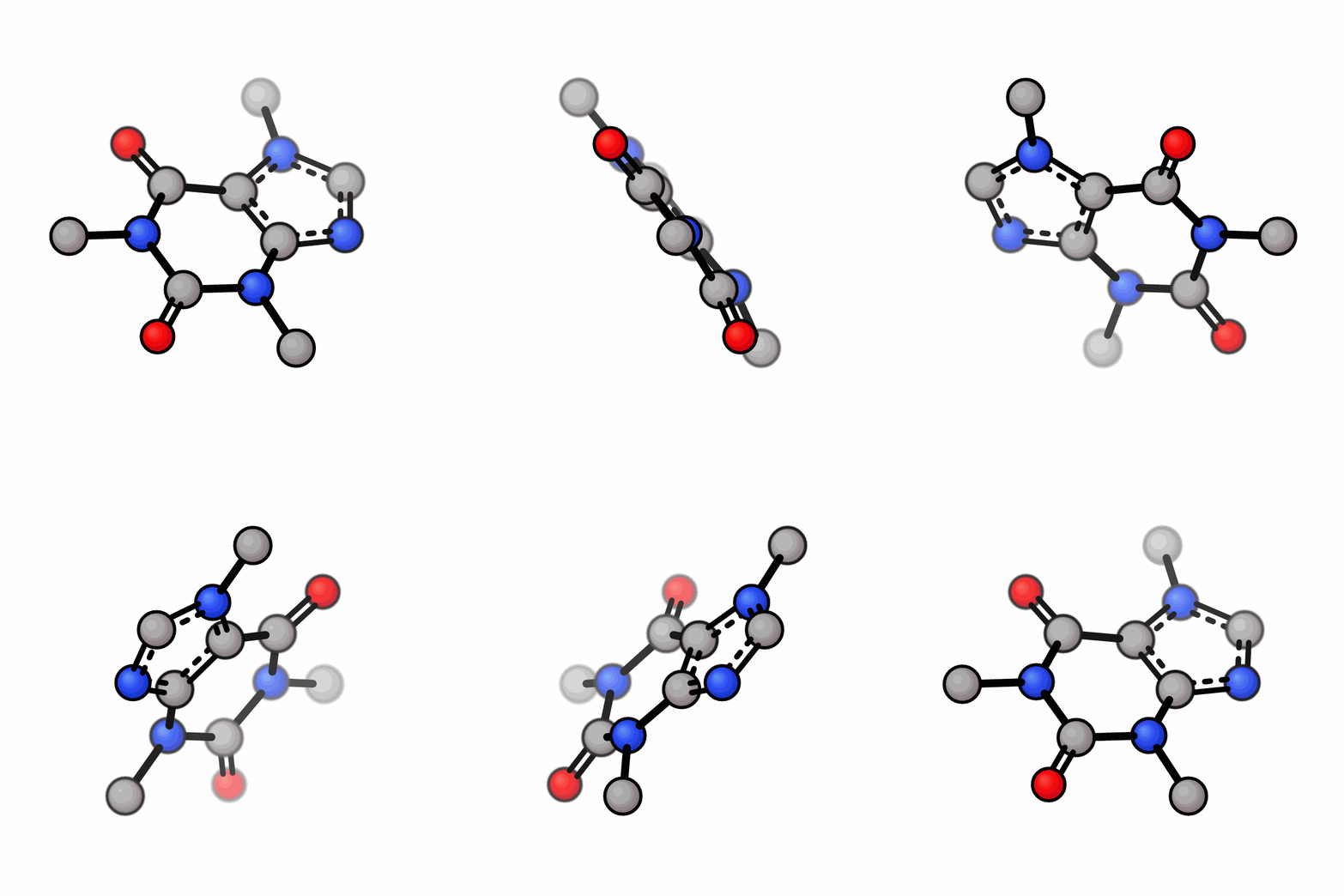
xyzrender caffeine.xyz --dof --no-orient                    # default strength
xyzrender caffeine.xyz --dof --dof-strength 6.0 --no-orient # stronger blur
render(mol, dof=True, orient=False)
render(mol, dof=True, dof_strength=6.0, orient=False)
Glow
Render selected atoms with a blurred glow layer under the atom circle.
Glow (N,O atoms) |
|---|
|
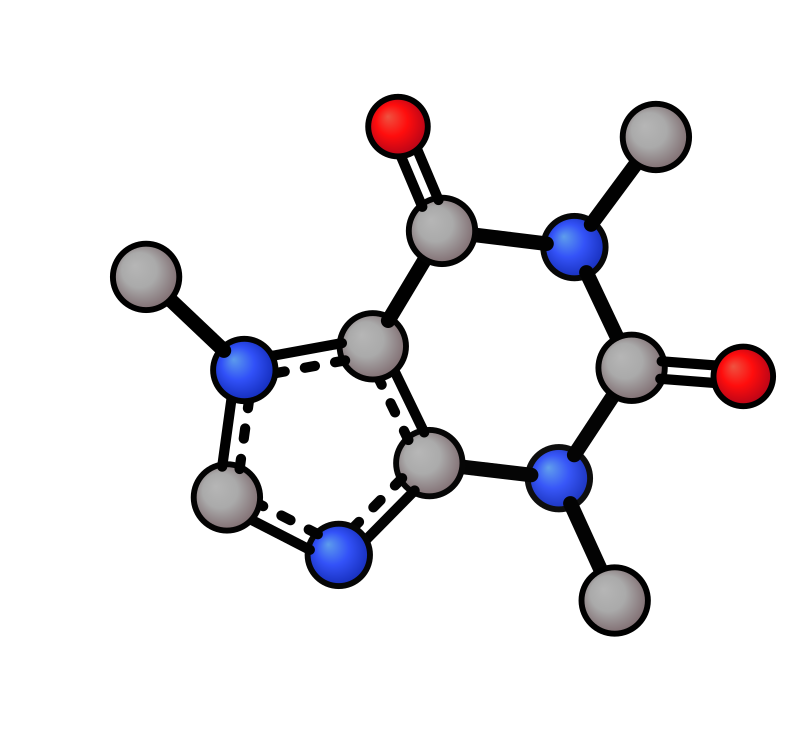
xyzrender caffeine.xyz --glow "N,O" --glow-strength 4 -o caffeine_glow.svg