Electron Density and ESP
Note
Surface plots are schematic 2D representations suitable for figures. For quantitative isosurface analysis, use a dedicated 3D viewer (VMD, PyMOL).
Cube files are typically generated by ORCA (orca_plot) or Gaussian (cubegen).
Python. Most
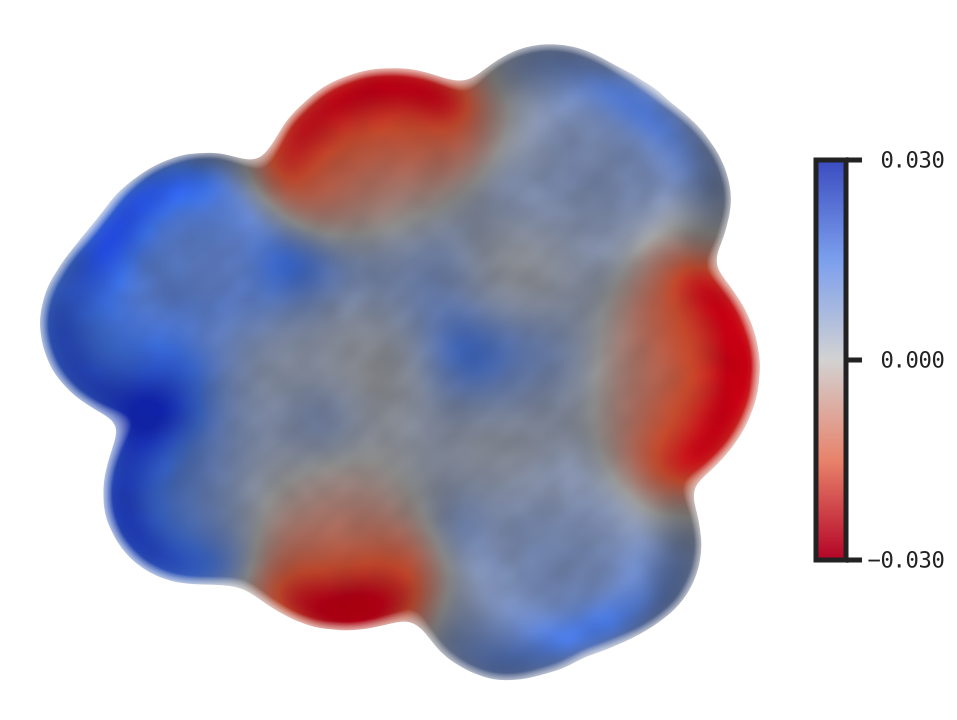
xyzrenderflags below map 1:1 to keyword arguments onrender()(--foo bar→foo="bar"). The cube file is opened withload(); the surface flags below arerender()kwargs. The shapes worth flagging are--cmap-range VMIN VMAX→cmap_range=(-0.03, 0.03)(tuple) and loading a cube once for repeated renders. ESP also takes a path:render(mol_dens, esp="caffeine_esp.cube", cmap_palette="coolwarm", cmap_range=(-0.03, 0.03), cbar=True). See the Python API guide.
Electron density surface
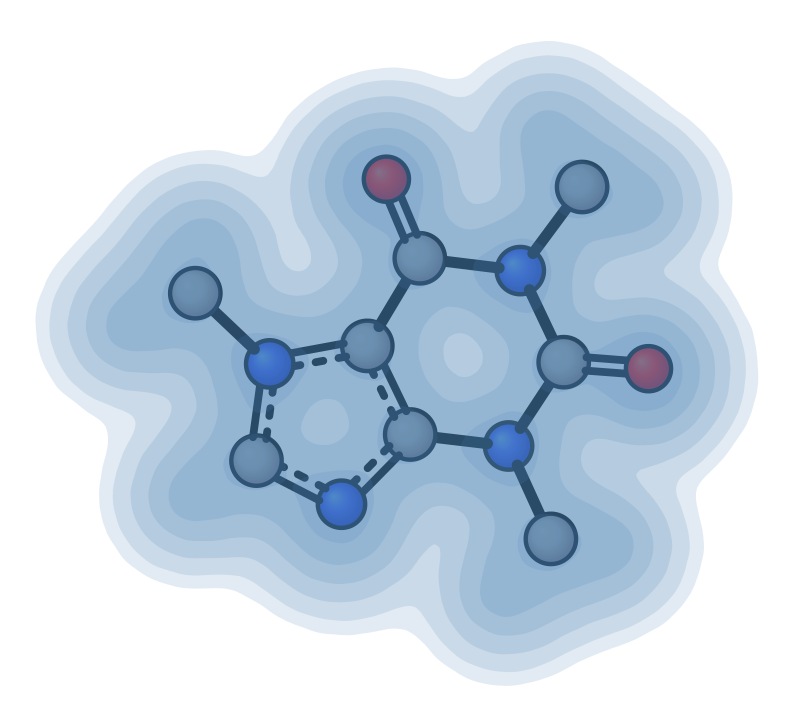
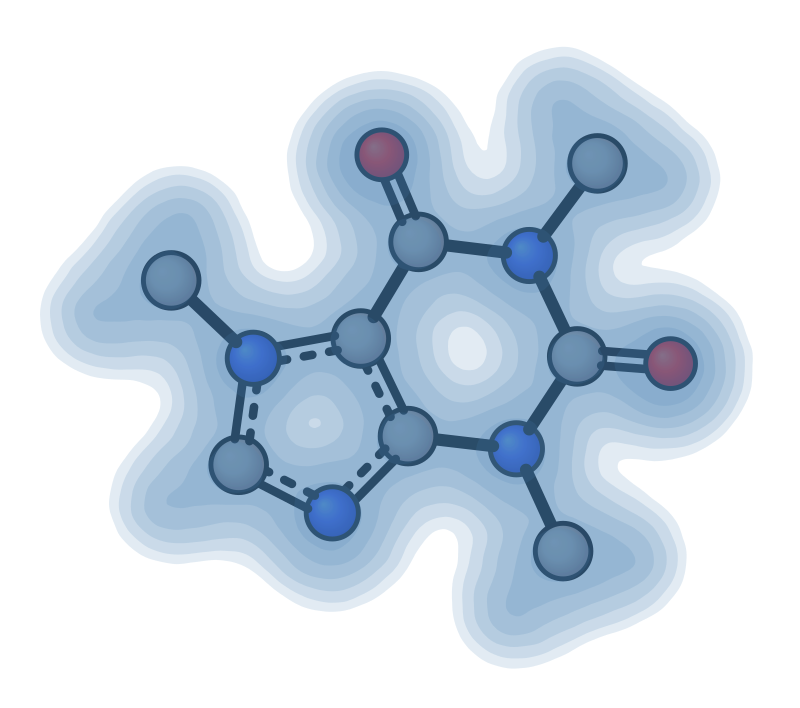
Render electron density isosurfaces with --dens. The surface is rendered as a depth-graded translucent shell — multiple concentric contour rings stacked with partial opacity so the centre appears more opaque than the edges.
Default |
Custom iso (0.01) |
|---|---|
|
|
Custom color + opacity |
Rotation |
|---|---|
|
|
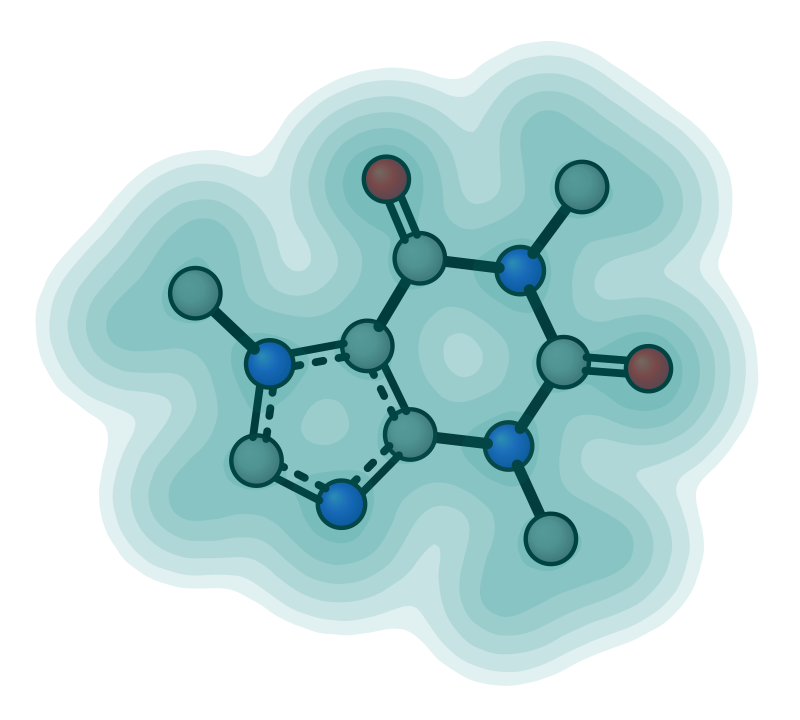
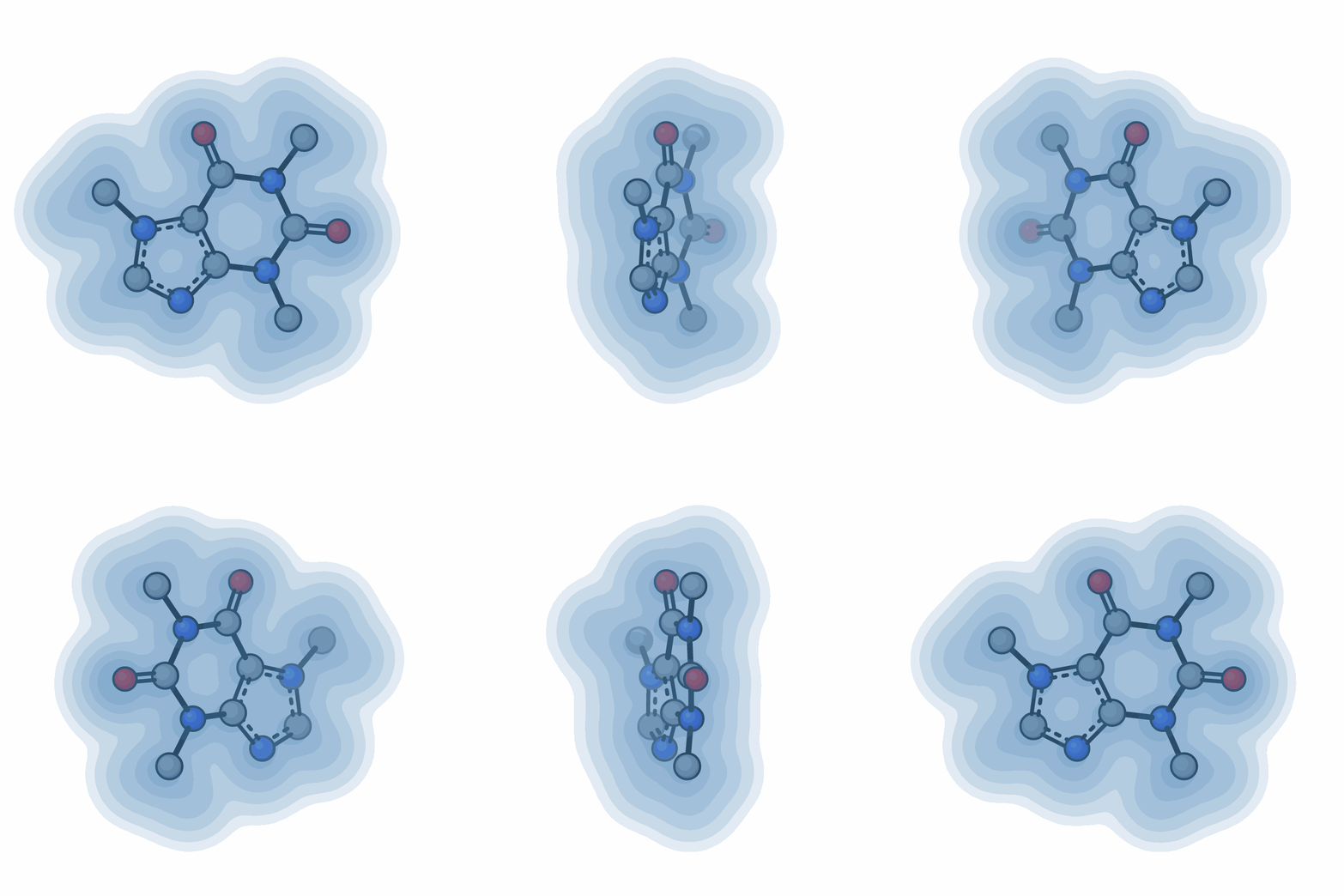
xyzrender caffeine_dens.cube --dens -o caffeine_dens.svg
xyzrender caffeine_dens.cube --dens --iso 0.01 -o caffeine_dens_iso.svg
xyzrender caffeine_dens.cube --dens --dens-color teal --opacity 0.75 -o caffeine_dens_custom.svg
xyzrender caffeine_dens.cube --dens --gif-rot -go caffeine_dens.gif
Contour |
Dot |
|---|---|
|
|
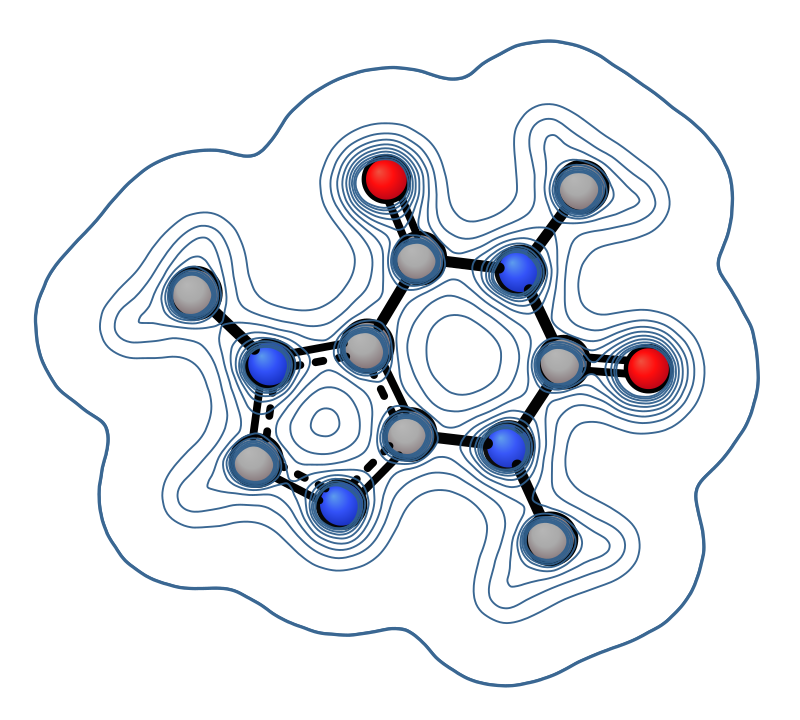

xyzrender caffeine_dens.cube --dens --surface-style contour -o caffeine_dens_contour.svg
xyzrender caffeine_dens.cube --dens --surface-style dot -o caffeine_dens_dot.svg
Flag |
Description |
|---|---|
|
Enable electron density surface rendering |
|
Isosurface threshold (default: 0.05 — smaller value = larger surface) |
|
Surface opacity multiplier (default: 1.0) |
|
|
|
Surface color as hex or named color (default: |
Note
For density surfaces, mesh falls back to contour automatically (the molecular envelope is too smooth for grid-based warping). ESP surfaces use raster rendering and ignore --surface-style.
Electrostatic potential (ESP) surface
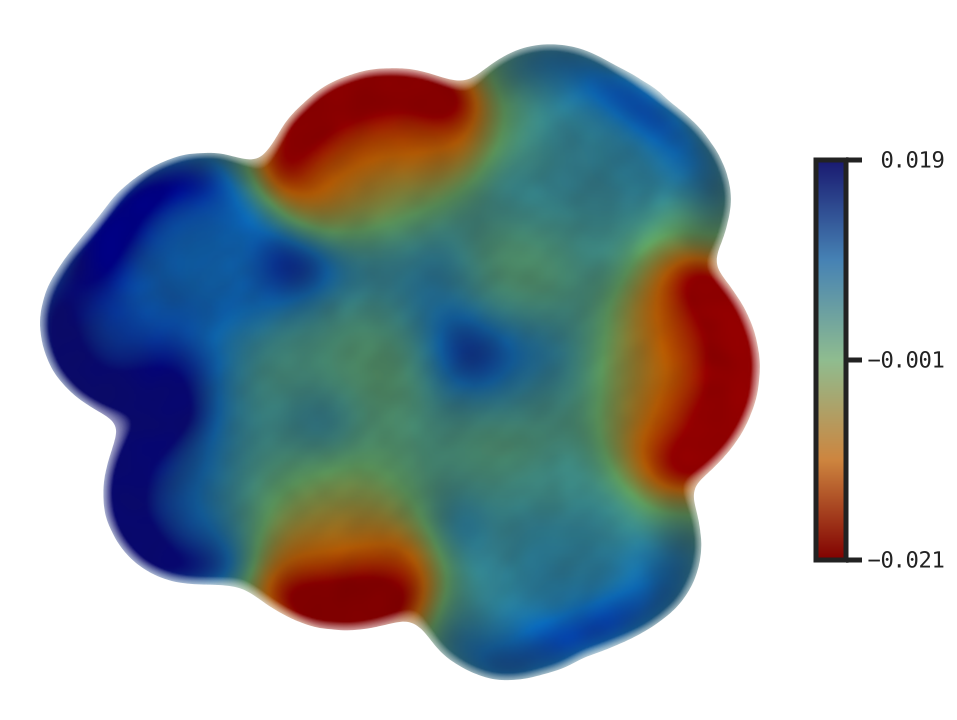
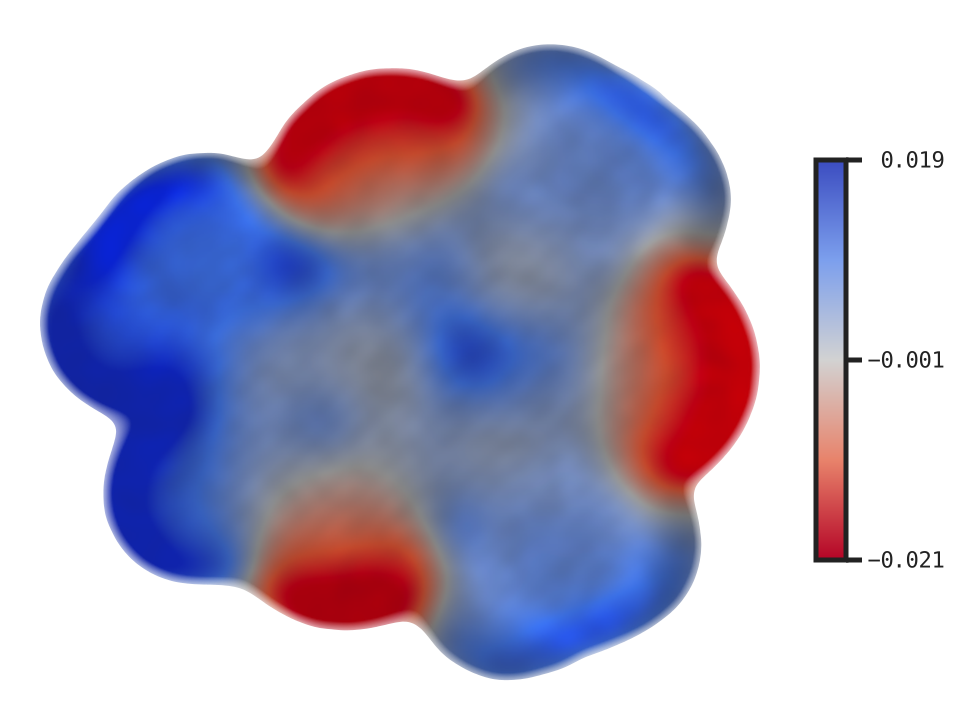
Map electrostatic potential onto the density isosurface using two cube files: density (main input) and ESP (--esp). Both must come from the same calculation (identical grid). Colored blue (positive/electron-poor) → green (zero) → red (negative/electron-rich).
Default |
With colorbar |
Coolwarm + colorbar |
Fixed range ( |
Custom iso + opacity |
|---|---|---|---|---|
|
|
|
|
|
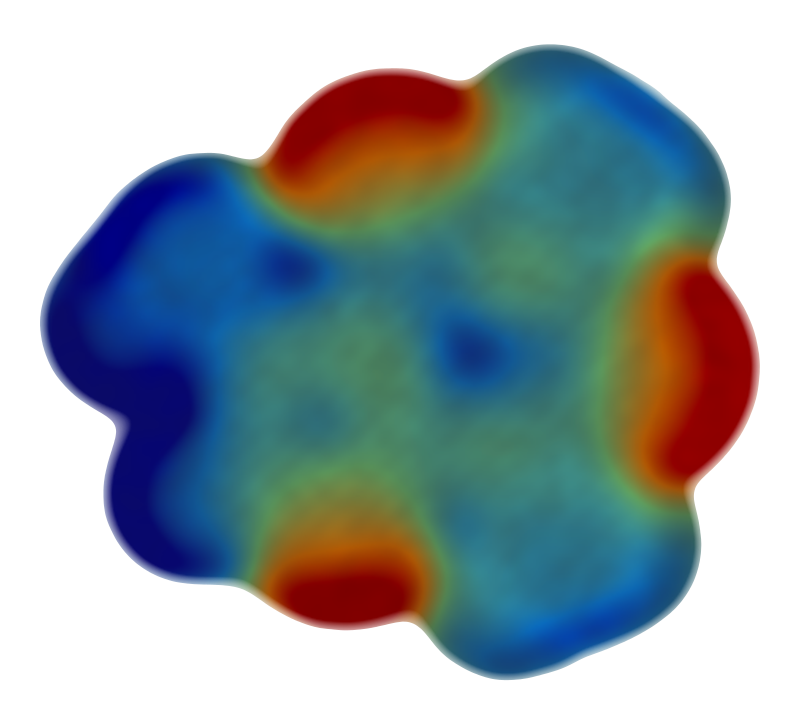
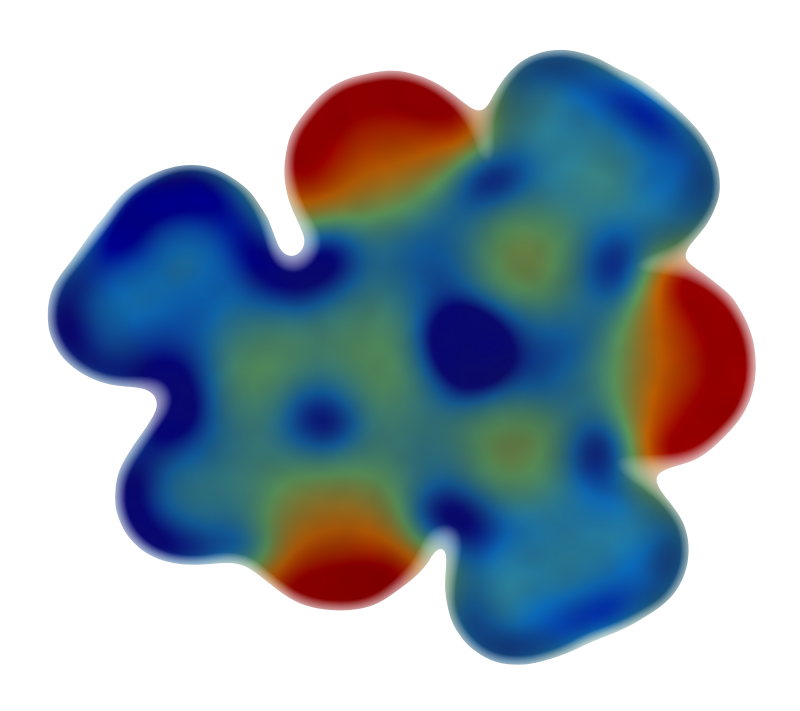
xyzrender caffeine_dens.cube --esp caffeine_esp.cube -o caffeine_esp.svg
xyzrender caffeine_dens.cube --esp caffeine_esp.cube --iso 0.005 --opacity 0.75 -o caffeine_esp_custom.svg
xyzrender caffeine_dens.cube --esp caffeine_esp.cube --cbar -o caffeine_esp_cbar.svg
xyzrender caffeine_dens.cube --esp caffeine_esp.cube --cmap-palette coolwarm --cbar -o caffeine_esp_coolwarm.svg
For cross-structure comparison, prefer a fixed manual range and show the colorbar explicitly:
xyzrender caffeine_dens.cube --esp caffeine_esp.cube --cmap-palette coolwarm --cmap-range -0.03 0.03 --cbar -o caffeine_esp_cmap_range.svg
This keeps the ESP scale identical between renders, which is usually more informative than letting each figure auto-scale independently.
If you want an automatic zero-centered range instead, use:
xyzrender caffeine_dens.cube --esp caffeine_esp.cube --cmap-symm --cmap-palette coolwarm --cbar -o caffeine_esp_symm.svg
--cmap-symm chooses a symmetric range about zero using [-max(|v|), +max(|v|)], where v is the plotted ESP data. This is useful with diverging palettes such as coolwarm when you want balanced positive/negative coloring without manually choosing bounds. For direct figure-to-figure comparison, prefer an explicit fixed range such as --cmap-range -0.003 0.003.
Available palettes
--cmap-palette NAME selects any of the 11 built-in palettes. The default for ESP is rainbow (the maroon → midnight blue scale used in the gallery above); for --cmap (atom property colormaps) the default is viridis. The full list:
Palette |
Notes |
|---|---|
|
Sequential, perceptually uniform; |
|
Sequential, perceptually uniform |
|
Diverging, 7-stop classic scientific palette |
|
Diverging blue → white → red (ESP-friendly) |
|
Diverging red → white → blue (ESP-friendly) |
|
Diverging maroon → midnight; ESP default |
|
CVD-safe, perceptually uniform (Crameri) |
|
CVD-safe diverging |
|
CVD-safe diverging |
|
CVD-safe diverging |
|
CVD-safe diverging |
# the five CVD-safe diverging options
xyzrender caffeine_dens.cube --esp caffeine_esp.cube --cmap-palette batlow  --cbar -o caffeine_esp_batlow.svg
xyzrender caffeine_dens.cube --esp caffeine_esp.cube --cmap-palette roma    --cbar -o caffeine_esp_roma.svg
xyzrender caffeine_dens.cube --esp caffeine_esp.cube --cmap-palette vik     --cbar -o caffeine_esp_vik.svg
xyzrender caffeine_dens.cube --esp caffeine_esp.cube --cmap-palette bam     --cbar -o caffeine_esp_bam.svg
xyzrender caffeine_dens.cube --esp caffeine_esp.cube --cmap-palette managua --cbar -o caffeine_esp_managua.svg
batlow |
roma |
vik |
bam |
managua |
|---|---|---|---|---|
|
|
|
|
|
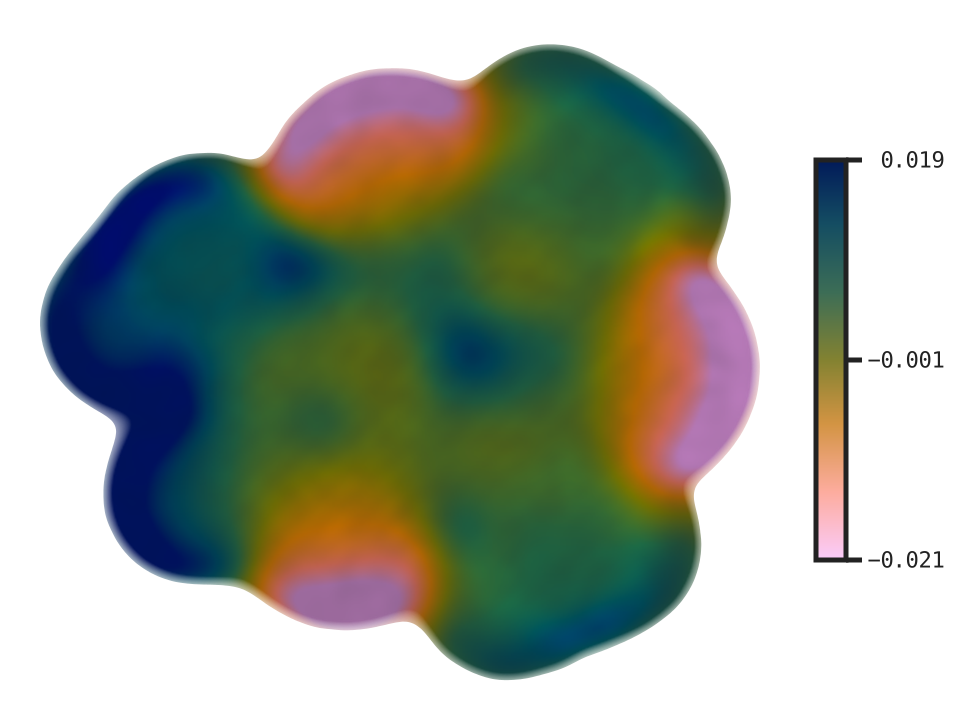
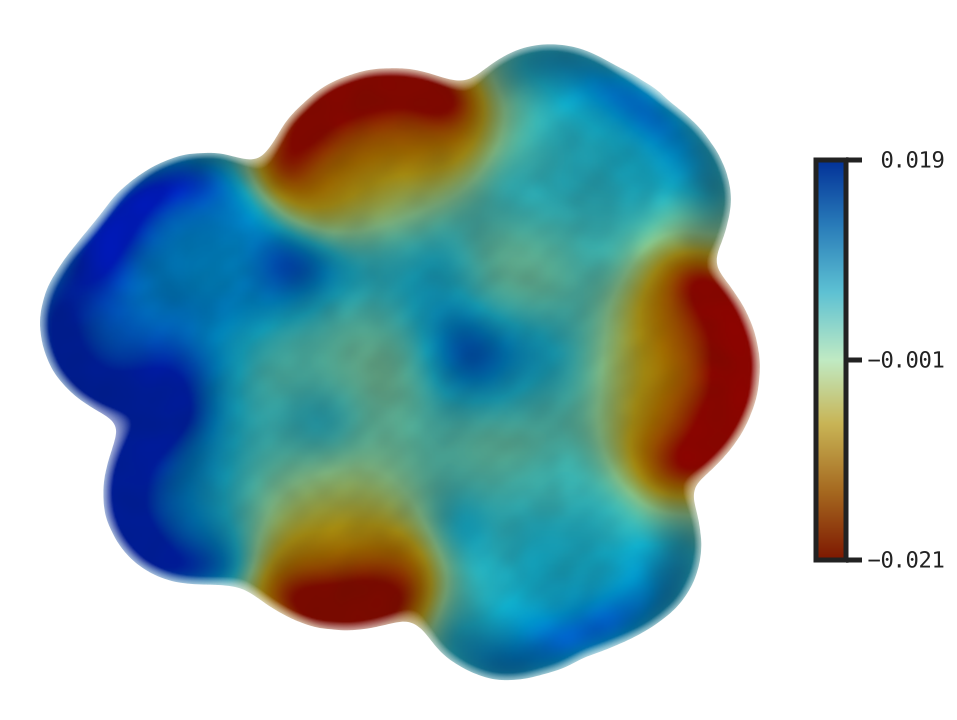
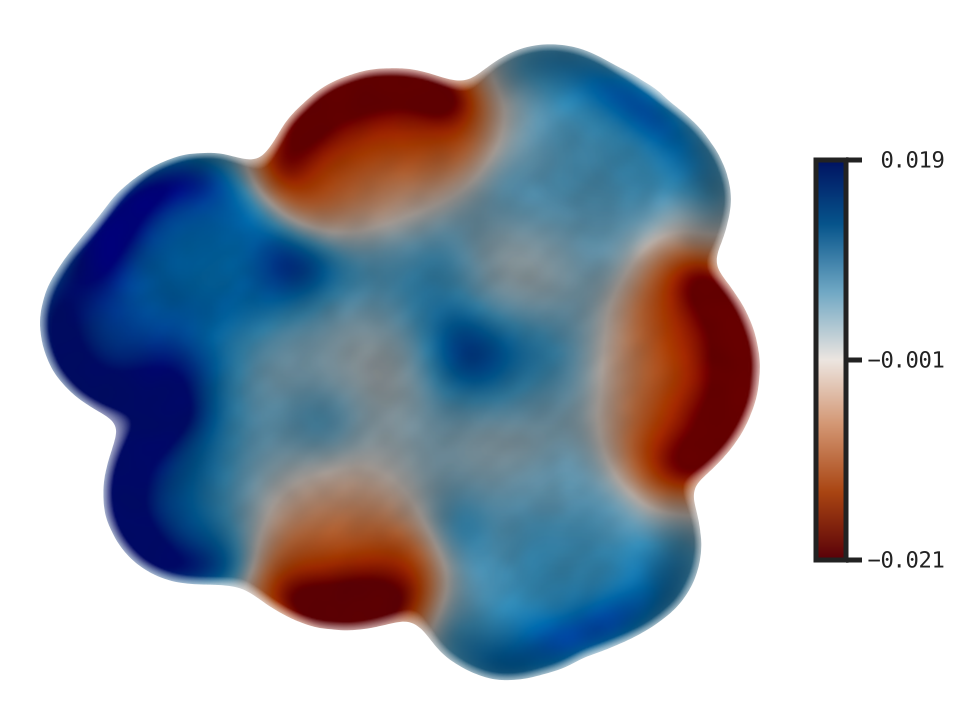
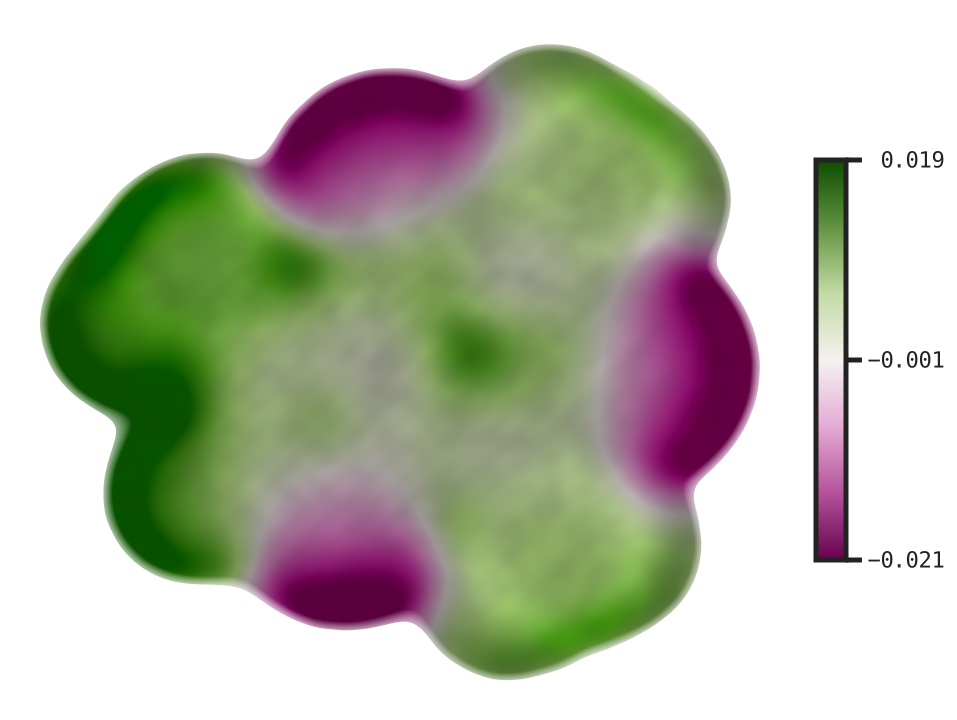
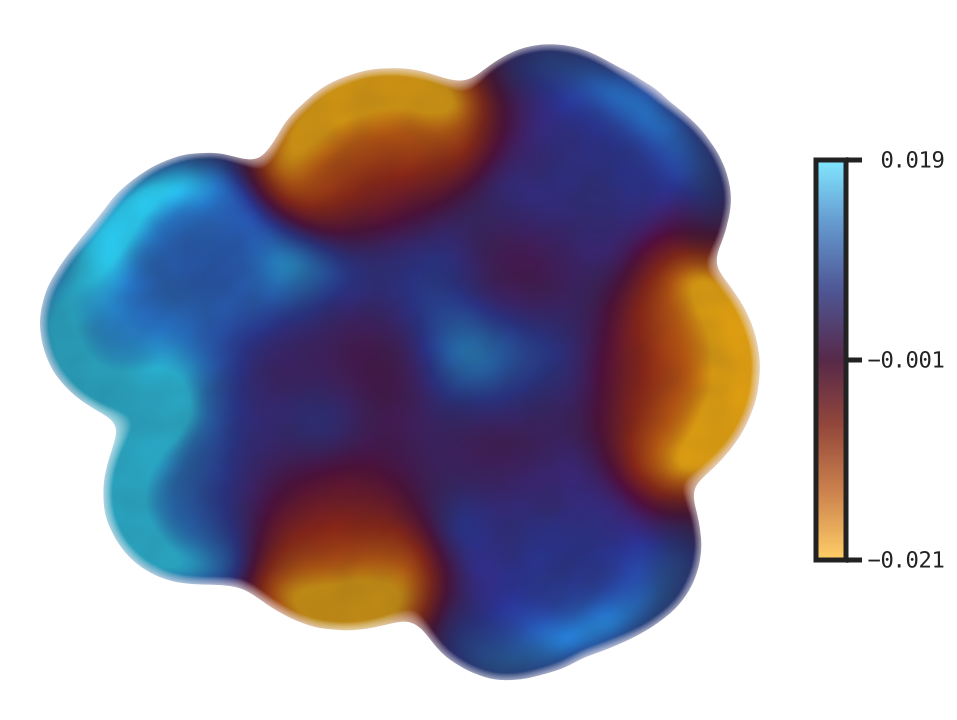
For accessibility and reproducibility we recommend the CVD-safe block (batlow, roma, vik, bam, managua) — all five are perceptually uniform and remain interpretable under deuteranopia / protanopia simulation. For publication, pair any diverging palette with --cmap-symm or an explicit --cmap-range so zero ESP maps to the palette midpoint.
Flag |
Description |
|---|---|
|
ESP cube file to map onto the density isosurface |
|
Isosurface threshold for the density surface (default: 0.05) |
|
Surface opacity multiplier (default: 1.0) |
|
Explicit ESP plotting range; recommended for direct comparison across structures |
|
Automatic zero-centered symmetric range: `[-max( |
|
Shared scalar palette override for ESP coloring and the ESP legend |
|
Add a vertical ESP legend on the right using the plotted projected-value range |